



Mobile Gaming with the Monkeyzino App
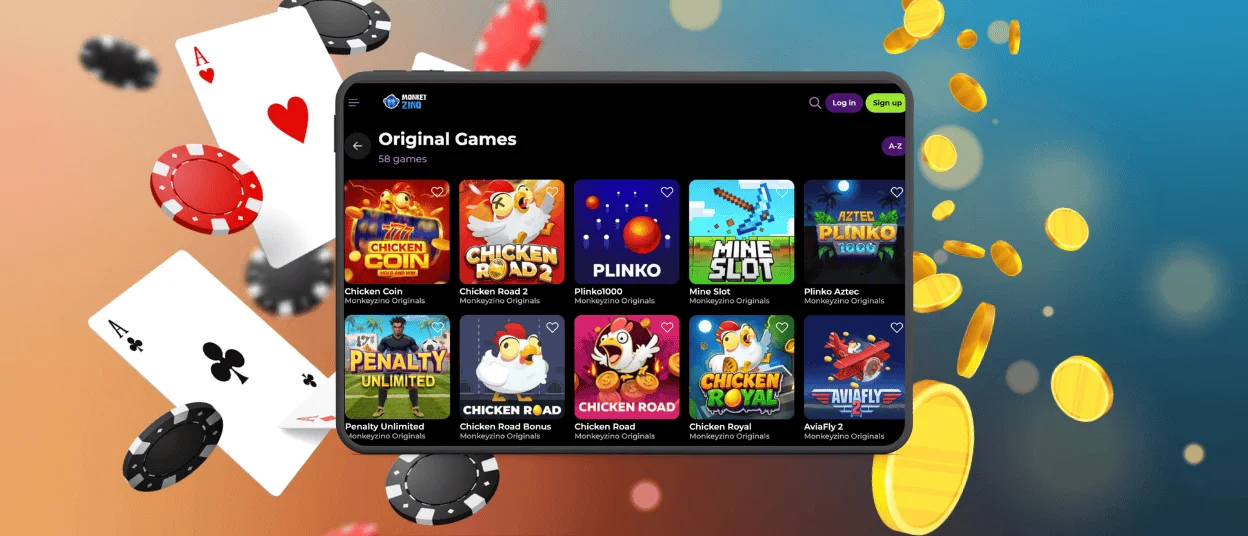
For those users who value mobile casino gaming, we have a dedicated application. The Monkeyzino app is the perfect tool to profit from your favorite titles on the go. Using our software, you can access all the casino’s features via your iOS or Android devices. The installation is quick, and the interface is optimized for all types of screens.



Why Choose Monkeyzino Mobile Gaming?
Our mobile gambling app allows you to benefit from the same convenient journey as on a desktop computer. This tool is optimized for iOS and Android devices. This makes it possible to easily navigate the platform via your device. You can access your preferred Monkeyzino Casino games on the go. There is no need to be attached to your computer anymore.
The entire game library, including all of our modern titles in high definition, is available to users. And members can get all the bonus offers from Monkeyzino Casino. With a few taps on your phone, you can see your transaction history, change your account, and contact customer service.
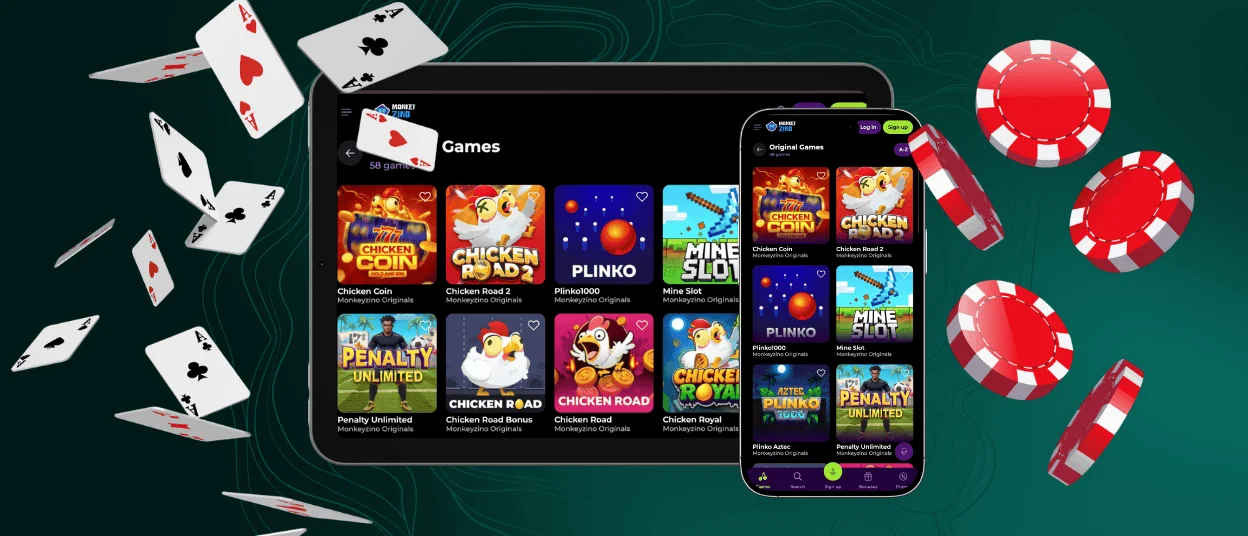
The interface of the Monkeyzino app is adapted to small screens. We guarantee that this mobile interaction will be easy and convenient. Whether it’s a tablet or a smartphone, it doesn’t matter. Everything loads quickly. It takes no effort to navigate the Monkeyzino app.
| Feature | App |
| Portability | Users can play at our casino anywhere as long as they’re connected to the internet. |
| Game Library | The lobby stays identical to the desktop version with all our titles (mobile slots, tables, as well as crash games and the live casino area). |
| Screen View | Access to the casino is given in full-screen view without toolbars. |
| Access Speed | Players can profit from all the features one tap away. |
| Installation | The installation happens quickly in the form of a PWA (Progressive Web App) shortcut. |
Monkeyzino on Android
The Monkey Zino app is perfectly optimized for Android devices. Our software allows a seamless experience no matter the gadget you are accessing the casino with. You will only need to have an updated device; it should run at least Android 8.0. This way, the experience will be way more enjoyable, and the application will perform better.
Compatible Android Devices
The Monkeyzino app is compatible with most modern Android devices. For the best experience, we recommend using the latest version of your browser, be it Google Chrome or Samsung Browser. Your device should have at least 2GB of RAM and a stable internet connection. This will ensure smooth gaming sessions. You can install the Monkeyzino Casino application on both tablets and smartphones. It adapts to the screen size of your gadget, no matter the device you have.
How to Install on Android
The Android app installation process is quick and simple. Since our software is a PWA, it installs in a matter of seconds and doesn’t take much space on your device. There’s no need to download any APK file. Instead of the Monkeyzino APK option, we went for a more convenient solution. Also, the application updates automatically in the background, so you won’t have to visit app stores and manually install anything.
Here’s the process:
- Open your preferred browser. Most users go for Google Chrome.
- Visit the Monkeyzino Casino platform.
- Find the “Add to home screen” button on the menu and tap it.
- Wait for the icon to appear on your screen.
After successfully installing the Monkeyzino app, it will appear on your home screen. You only need to tap on the casino icon and log into your account.
iPhone and iPad Access
Our application is also available on iOS devices. The iOS app has been optimized for the Apple ecosystem so that all users can fully experience the casino entertainment we offer through Safari. Installing the application takes only a few instants; it works the same way as for Android devices. The Monkey Zino app is a progressive web app shortcut. All you have to do is get it to your home screen. No need to go through the App Store.
Supported Apple Devices
The Monkeyzino app is compatible with most iOS devices. It is recommended to have a gadget that runs version 14.0 or above. The software is supported by most iPhones and iPads as long as your smartphone or tablet has been updated. Most users go for the Safari browser, as it works best with our software. The Monkeyzino app is also compatible with other browsers available in the App Store, so you can use any option that feels comfortable for you.
Add Monkeyzino to Your Home Screen
If you own an iPad or iPhone, you’ll be able to easily take advantage of the Monkeyzino download app. The software is easy to get, just like on Android.
The initial step to download the app is to open your preferred browser (we suggest Safari). Visit the official website of Monkeyzino Casino. Then, tap on the “Share” button on the menu. Then just press “Add to home screen,” and wait for the icon to show up on your screen.
Common Mobile Access Issues
If the Monkeyzino Casino app won’t open or a game won’t start, the first solution is to check your internet connection. You may also try switching between Wi-Fi and mobile data to see if the network is stable.
You may also want to try clearing your browser cache and cookies. After the Monkeyzino app download process, old stored data can interfere with the login credentials. Game performance can also be altered.
Also, you will need to verify that your browser is up to date with the latest version. PWAs can be difficult to manage for older browsers. If the software continues to freeze or crash, you can try restarting your gadget. This will clear out some temporary bugs.
You could also try disabling any VPN or proxy tools. They can sometimes block access to the casino platform.
Common Questions
How Do I Update the Monkeyzino App?
There is no need to update the application manually. Our Monkeyzino Casino software updates automatically in the background. You won’t have to worry about visiting app stores; the application always stays up to date.
Can I Make Deposits and Withdrawals Through the Mobile Version?
Absolutely. Using the Monkeyzino casino app, you can access the same array of features as on desktop, including mobile betting. It is possible to perform both deposits and withdrawals with the software.
Do I Need to Create a Separate Account for Mobile Access?
No, there’s no need to register new accounts for the mobile app. The Monkeyzino mobile app supports cross-device compatibility; you can use one single platform across multiple gadgets.


